Managing Endpoints
Endpoint Management for Admins
Managing endpoints efficiently is crucial for maintaining the security and integrity of your systems. Here's a comprehensive guide on how to manage endpoints using AuthNull.
Adding an Endpoint to the Platform
To integrate a new endpoint with AuthNull, follow these steps:
Access Endpoints Section: Navigate to the “Endpoints” tab located within the “Privileged Access Management” section.
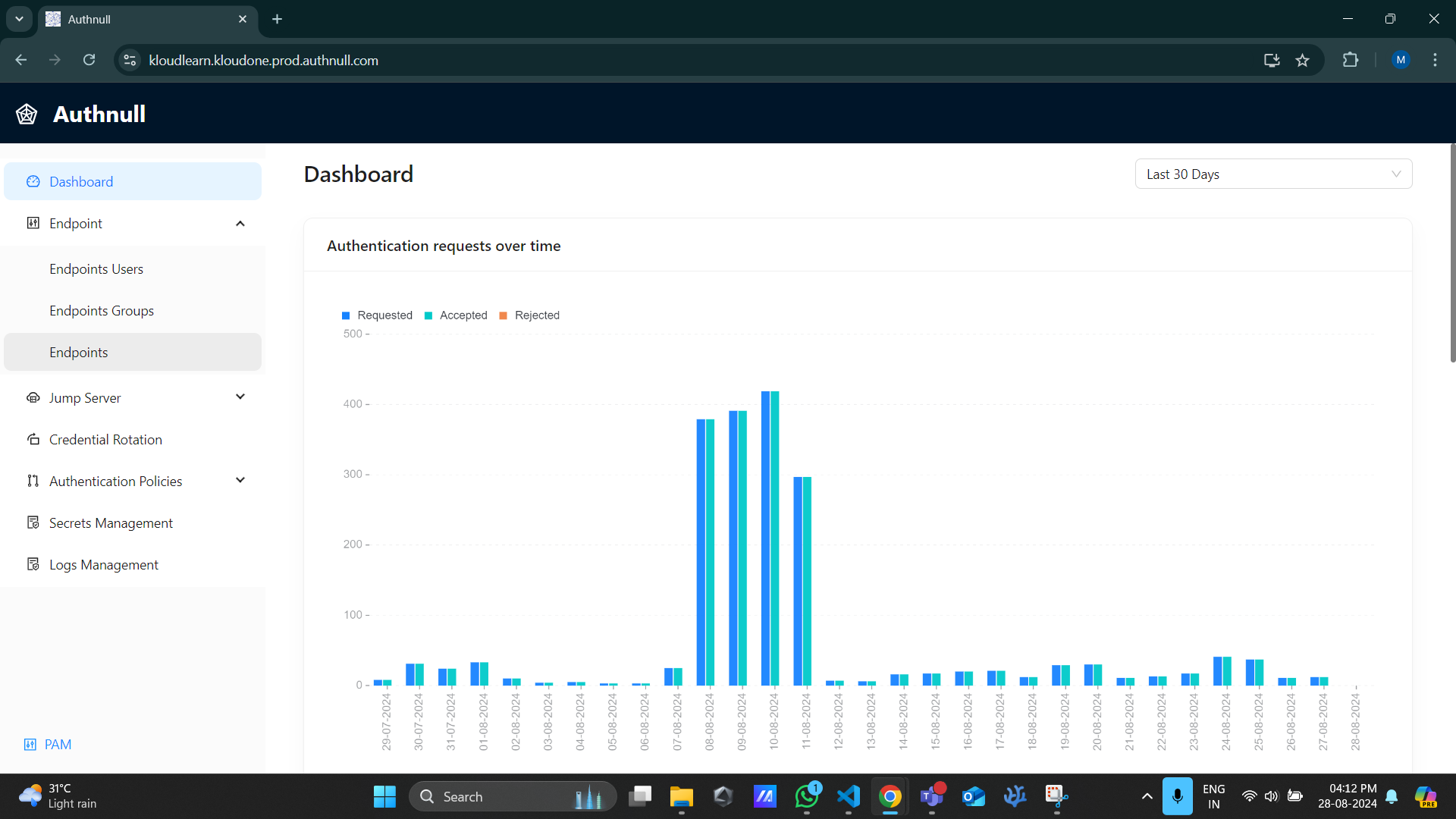
Initiate Endpoint Addition: Click on “Add Endpoints”. This will direct you to a screen where you can download the appropriate agent.
- Note: Ensure you select the correct script installation based on the OS of your endpoint.
Linux servers added as Linux server (via SSH gateway) need no agent: nothing is installed on them, and their local users are scanned hourly. See Add an Endpoint. The agent download applies only to machines not behind a gateway.

Configuring Authentication Flow for Endpoints
Access Endpoints Section: Navigate to the “Endpoints” tab within the “Privileged Access Management” section.
Navigate to Auth Flow: Click on “Auth Flow” to be directed to the authentication flow configuration screen.
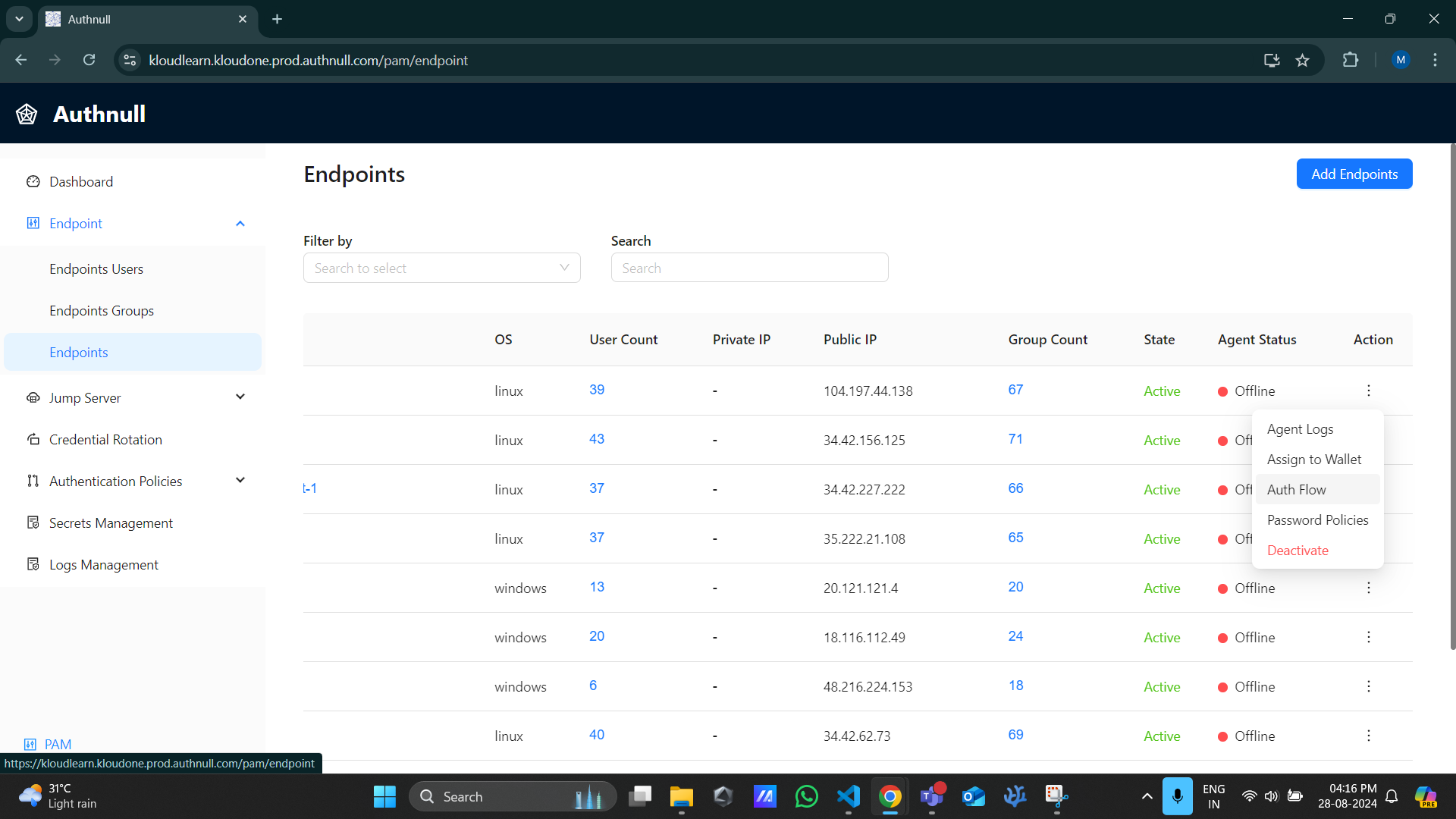
Select Authentication Flow: Choose your desired authentication flow by selecting the appropriate factors. Upon selection, a PAM code will be generated.

Adding a User in an Endpoint
Admins have the flexibility to add endpoint users:
Via AuthNull: Use the "Add User" button in the endpoint users section.

Directly on the Endpoint: Create a user directly on the endpoint. On a gateway endpoint it appears in AuthNull after the next hourly scan; on an agent endpoint the agent synchronizes it. See Add a User. Detailed guide on adding endpoint users to AuthNull