Hybrid setup
Follow these steps to install and run the Authnull hybrid admin console application using Docker and Docker Compose on a Linux machine.
Pre-requisites:
Linux:
- Docker must be installed on the system.
- Docker Compose must be installed.
- Root or sudo access is required.
- Ensure that the Docker Engine service is running.
Setup Admin Console:
Step 1: Verify the Docker Installation
Run the following commands to verify the Docker and Docker Compose installations.
docker --version
docker compose version
Step 2: Log in to the Docker registry
Run the login command to authenticate with the AuthNull public registry.
docker login docker-repo-public.authnull.com
The username and password have been provided to you via email.
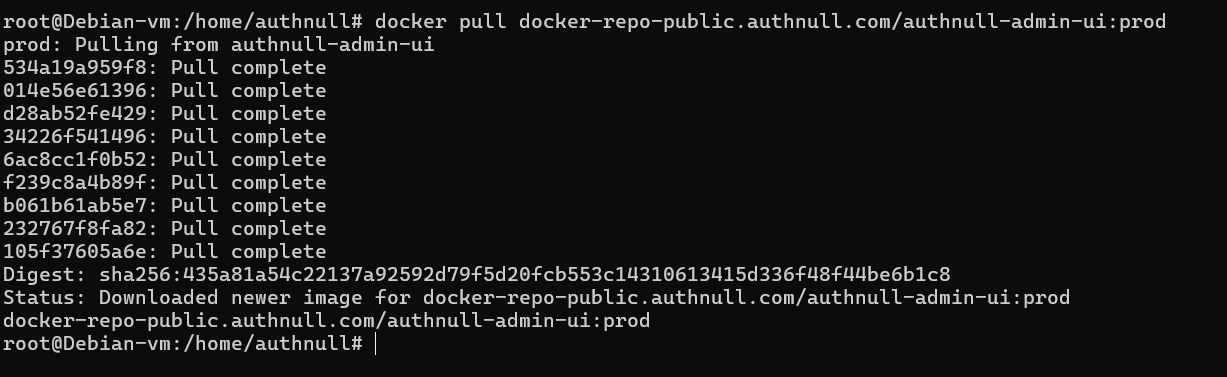
Step 3: Pull the Authnull Admin Console Docker image
docker pull docker-repo-public.authnull.com/authnull-admin-ui:prod
Step 4: Verify the Pulled Image
List the available Docker images to confirm that the image has been downloaded.
docker images

Step 5: Navigate to Docker Compose Directory
Navigate to the folder where the docker-compose.yaml file is located.
cd /path/to/docker-compose-folder
Step 6: Start the Admin Console Container
Run the following command to start the required container in detached mode.
docker compose up -d

Step 7: Verify the Running Container
Run the following command to confirm that the Admin Console container is running.
docker ps

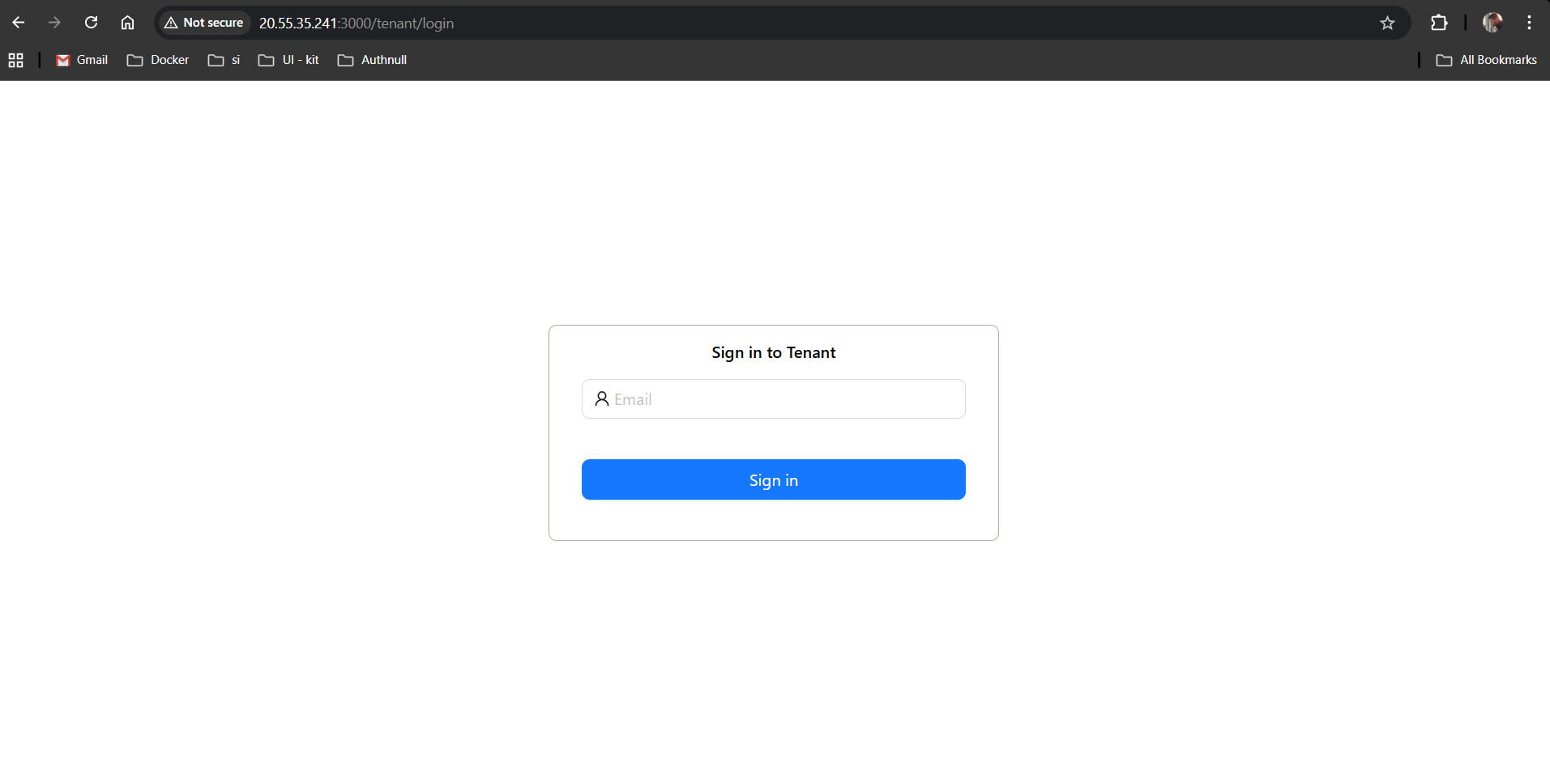
Step 8: Verify that the Admin Console is running in the browser
Open the following URL in your browser to confirm that the Admin Console service is running on your system.
http://<linux-server-ip>:3000
Completion
Upon completing the above steps, the Admin Console application will be successfully deployed. Ensure that all services are running and accessible. You can monitor logs using the command.
docker logs <container_name>